
Every Font is Free
Ok so...
834K views · Mar 20, 2025
See your thumbnail and working title where the decision happens: inside the feed. Compare desktop, mobile, light, dark, and a distraction-free blur test.
4K, 16:9 recommended · JPG, PNG or GIF · up to 50 MB

 Preview
 Ok so...
834K views · Mar 20, 2025
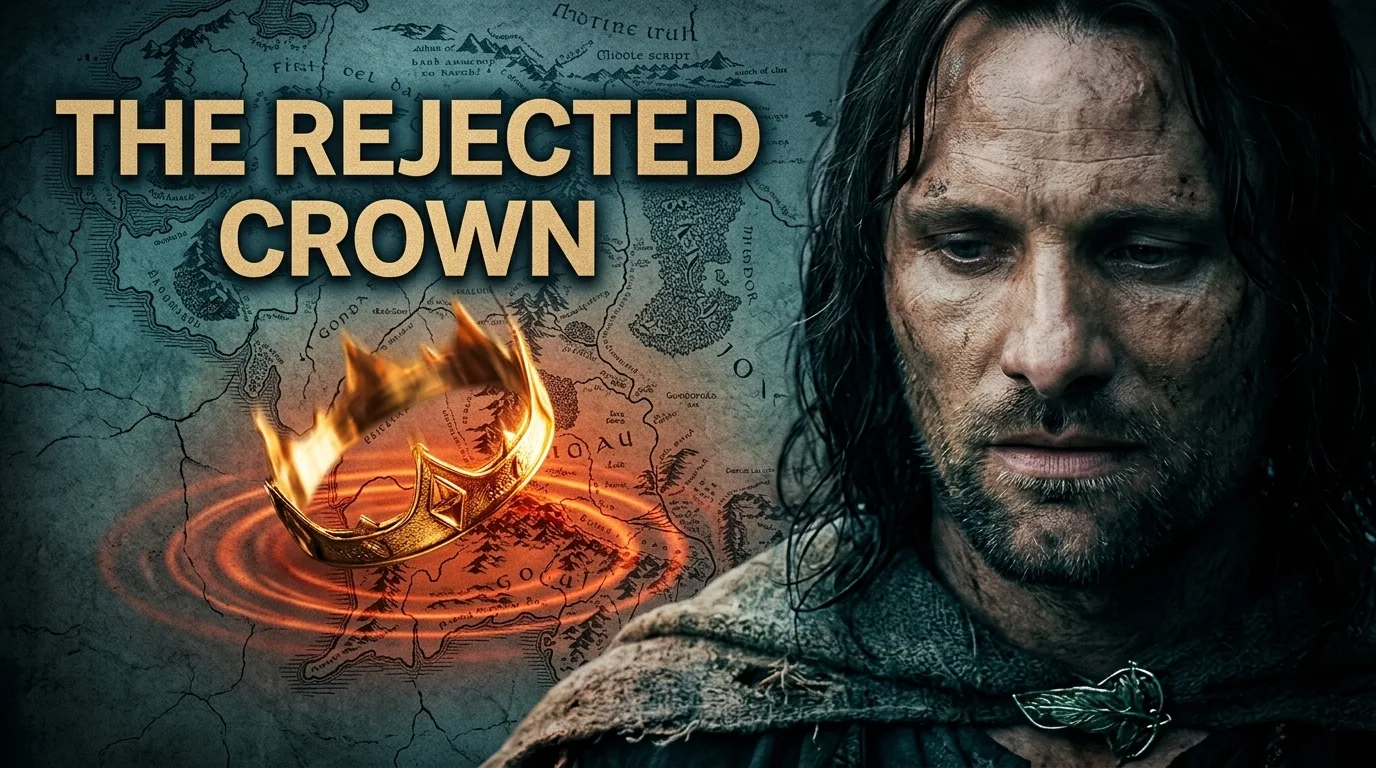 10:24
10:24 Mittalmar Creator
1.2M views · Planned video

cozmouz
2.6M views · Sep 23, 2024

MrBeast
340M views · Aug 1, 2020

Vsauce
23M views · Sep 2, 2012

Worcester Terrariums
3.7M views · Jun 7, 2025

Mark Rober
125M views · Jul 28, 2019

fern
5.5M views · Oct 25, 2024

Veritasium
111M views · May 10, 2019
“The Thumbnail Tester has been useful for validating my thumbnails. The Blur gives me a super quick feel of whether or not I have room for improvement. I encourage every YouTuber to run tests like these.”
 Belinda ErcanYouTuber
 What happens in your browser, what each control reveals, and where the app takes over.
Yes. You can use the complete tester without creating an account. Adding a thumbnail, changing the title, switching preview modes, using blur, and randomizing the feed are all free.
No. Your thumbnail, title, channel name, and optional channel image stay in your browser. The tester does not upload them, save them, or add them to your Mittalmar account.
For the most accurate preview, use a 16:9 image. YouTube currently recommends 3840 × 2160 pixels and a minimum width of 640 pixels. This tester accepts JPG, PNG, and GIF files up to 50 MB.
Check desktop and mobile to see how the title and thumbnail scale, then compare light and dark appearances. Turn on blur for a quick squint test: strong subjects, contrast, and visual hierarchy should still separate from the surrounding feed when fine detail disappears.
It rearranges the same nine preview cards and moves your video to a different slot. This lets you check whether the thumbnail still stands out in several feed positions without loading new videos or sending any of your content anywhere.
No. This subjective clarity check cannot predict click-through rate, select a winning variant, or replace live audience evidence. Use YouTube Studio’s Test & Compare after publishing when you need performance evidence.
Those links open separate tools in the Mittalmar app and require sign-in. Your inputs from this tester are not transferred, so you will add the thumbnail or video idea again inside the app. Availability may depend on your plan.
Your thumbnail is in context. Choose what you want Mittalmar to help you do next.
Get a focused critique of clarity, hierarchy, curiosity, and how the title works with the thumbnail.
Review this thumbnail with AI Build a stronger direction.Turn your video idea into new thumbnail concepts designed around your creative intent.
Create a new thumbnailOpens the Mittalmar app · sign-in required · availability may depend on your plan · tester inputs are not transferred