
From idea to upload. One Project.
Every stage of a video, in the order you make it.
 Mittalmar
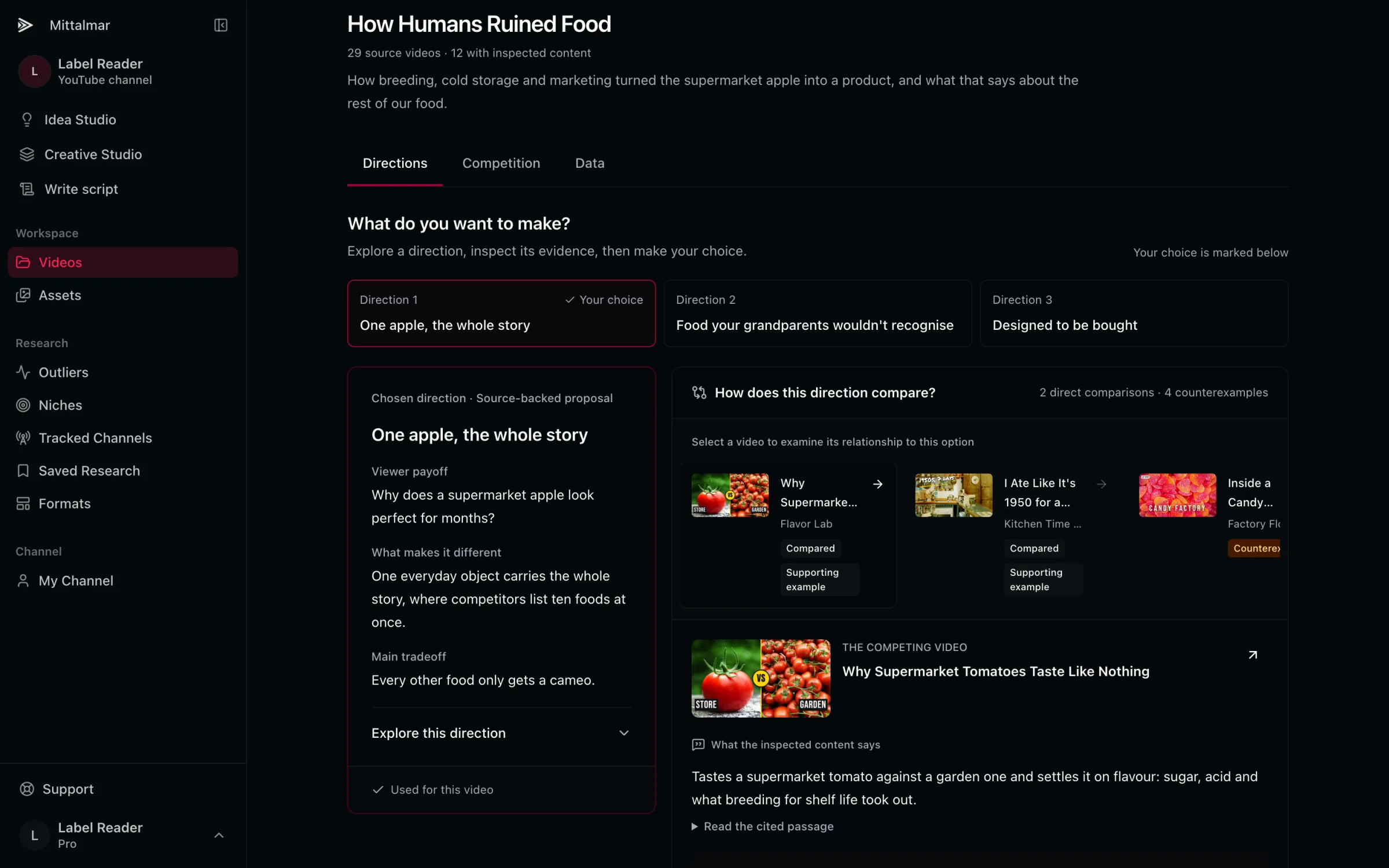
Find the angle. Directions backed by real videos from your niche.Explore
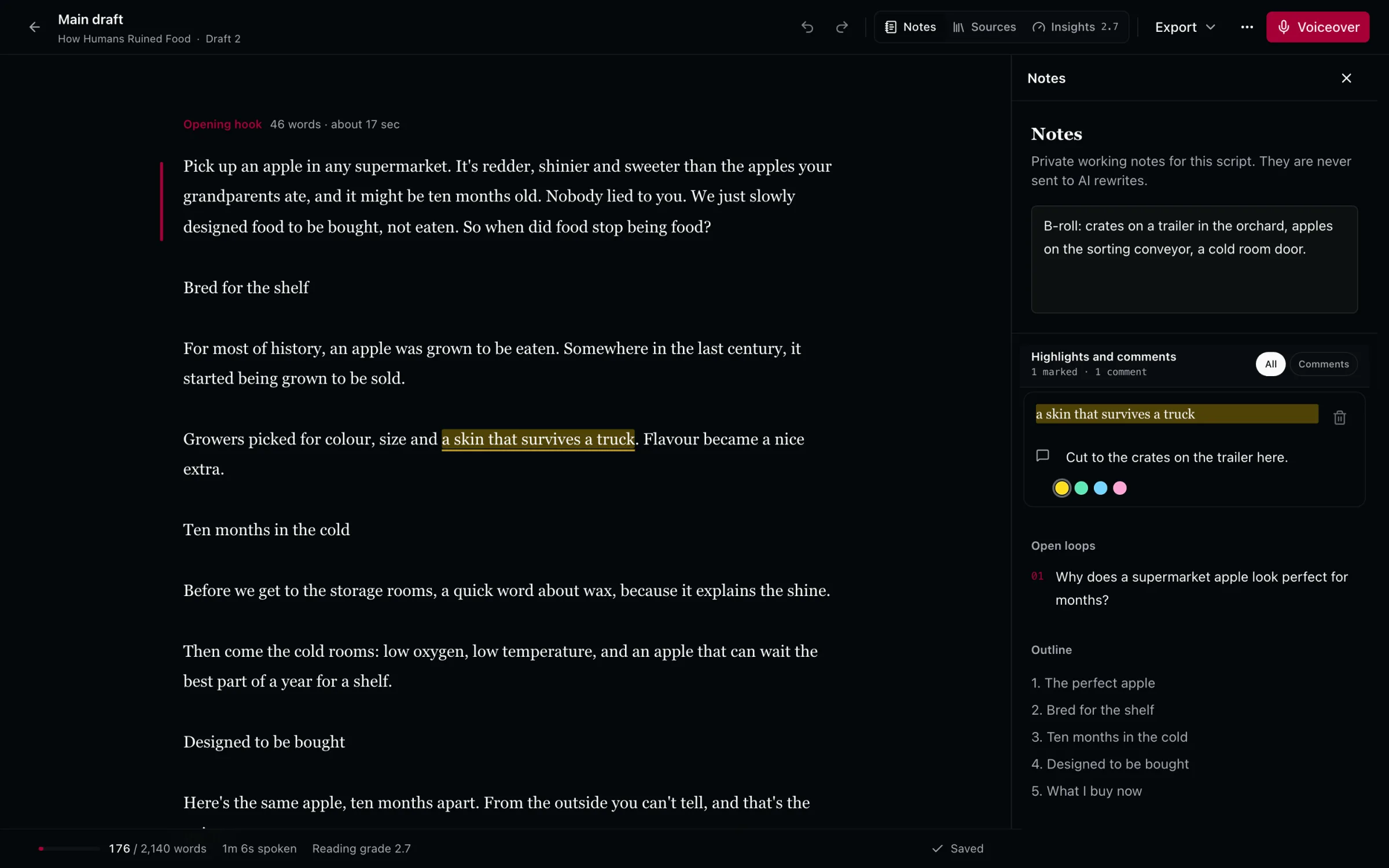
Write it. From payoffs to manuscript, in the way you talk.Explore
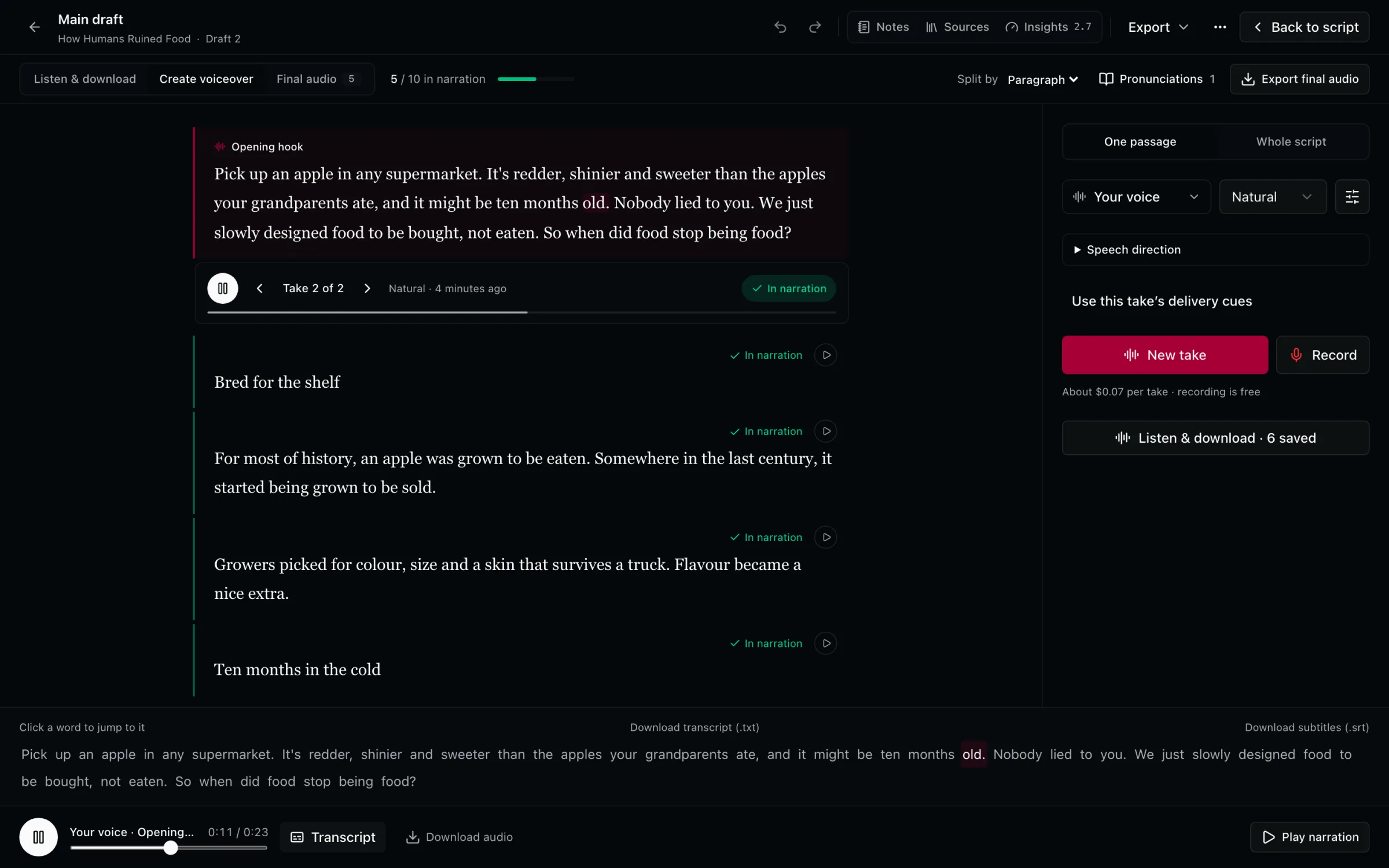
Narrate it. In a stock voice or a clone of your own.Explore
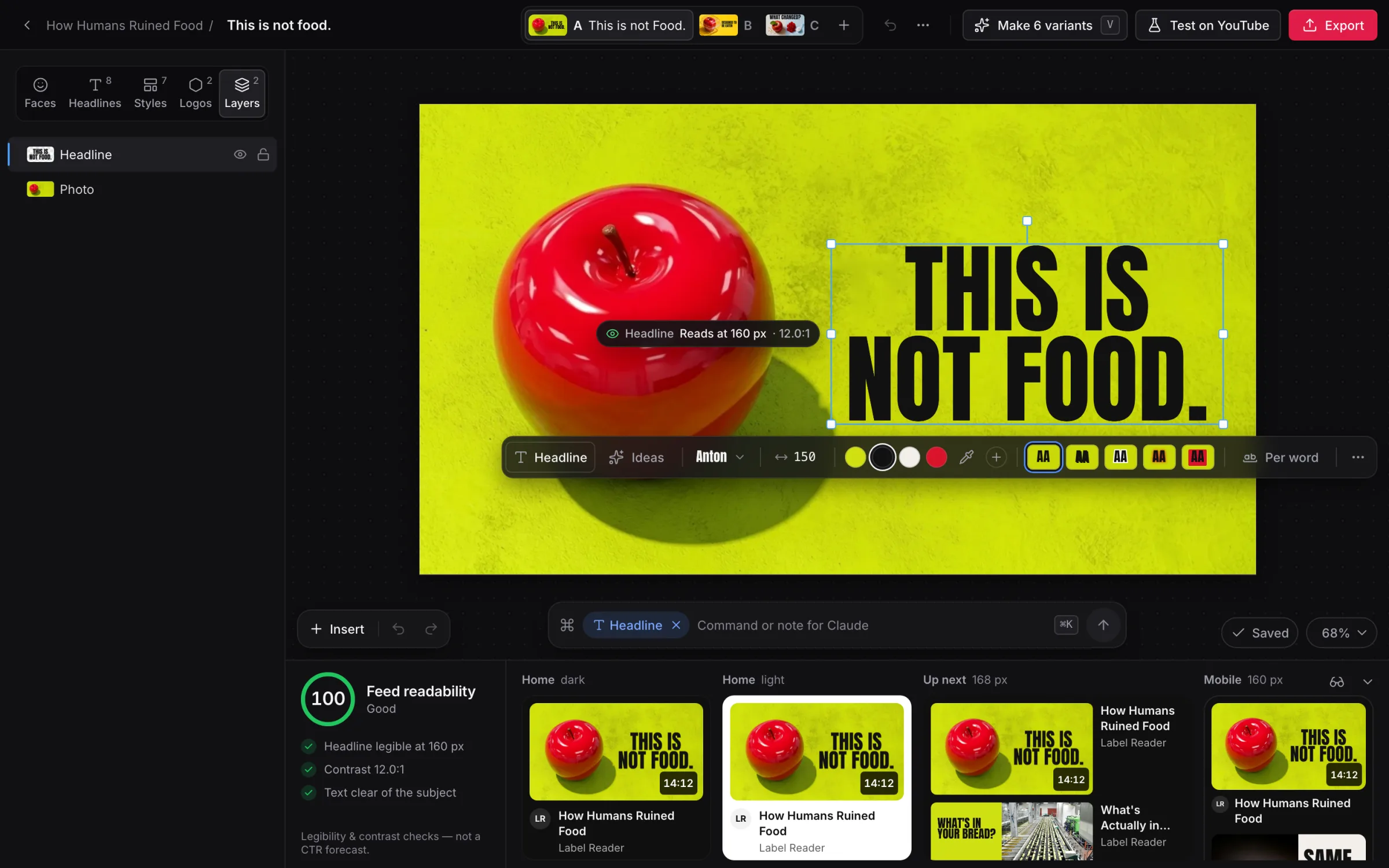
Package it. Finish thumbnails in layers, checked at feed size.Explore
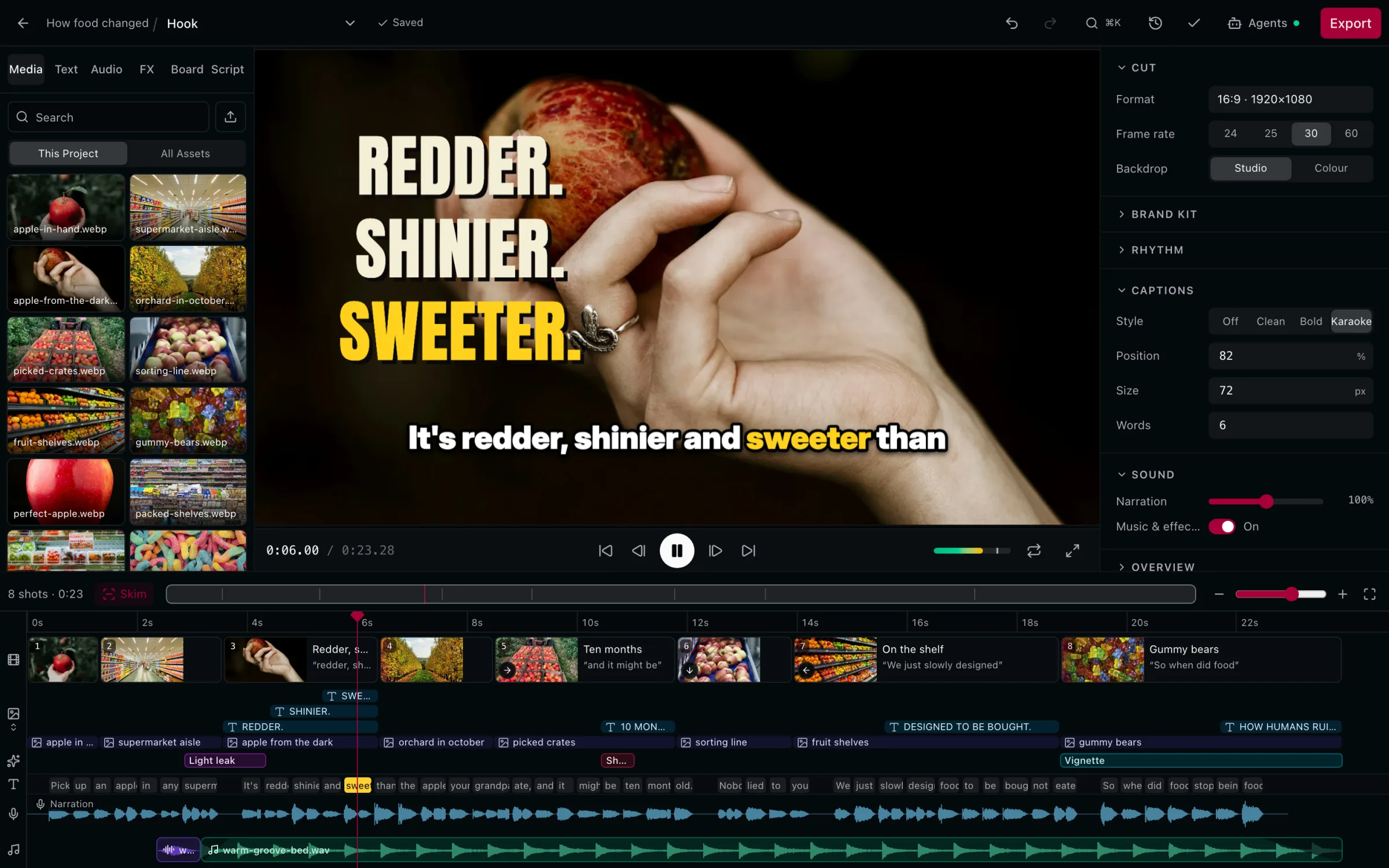
Cut it. Shots, text and captions on the words of your narration.Explore
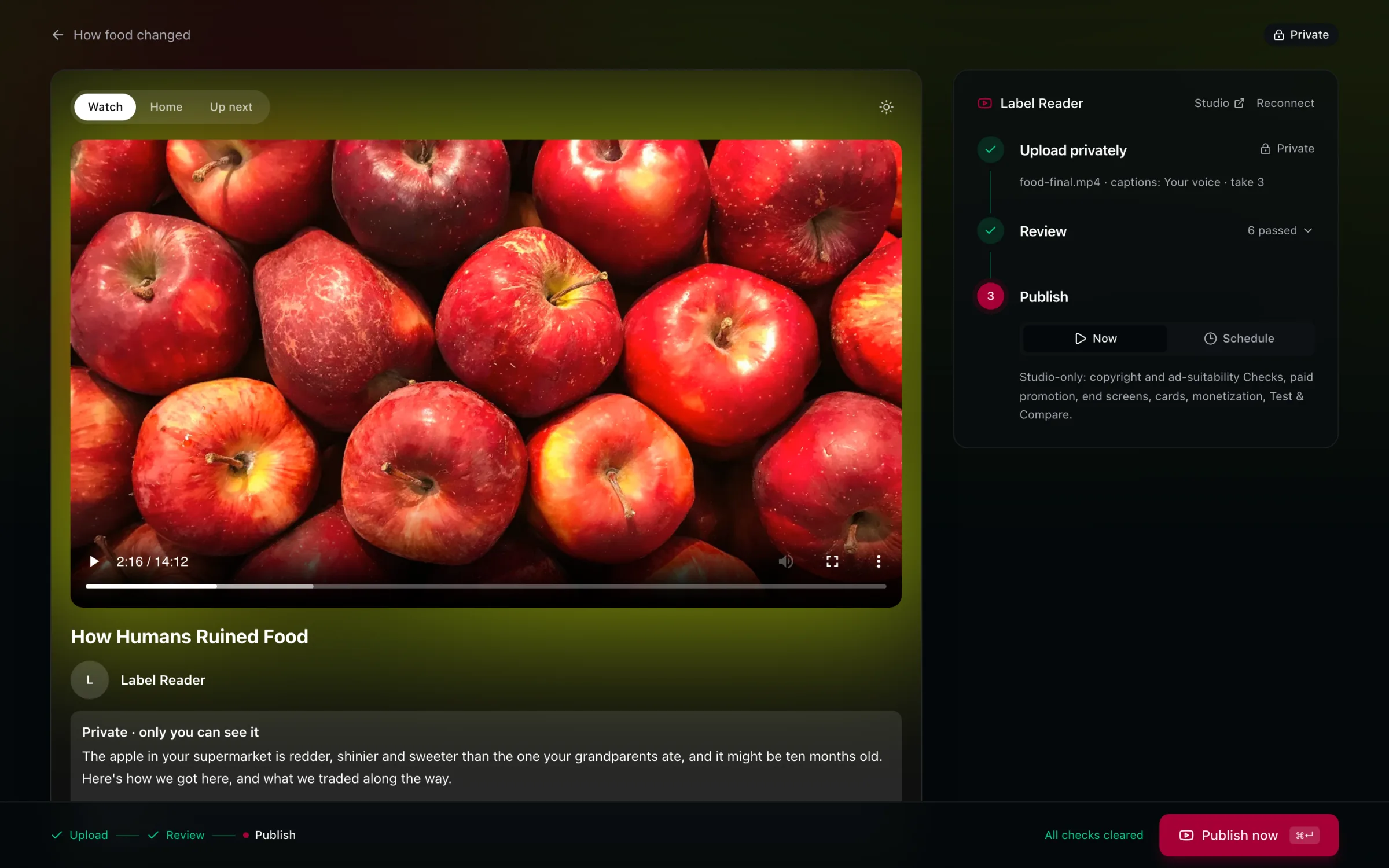
Ship it. A private upload and a review, then your click.Explore
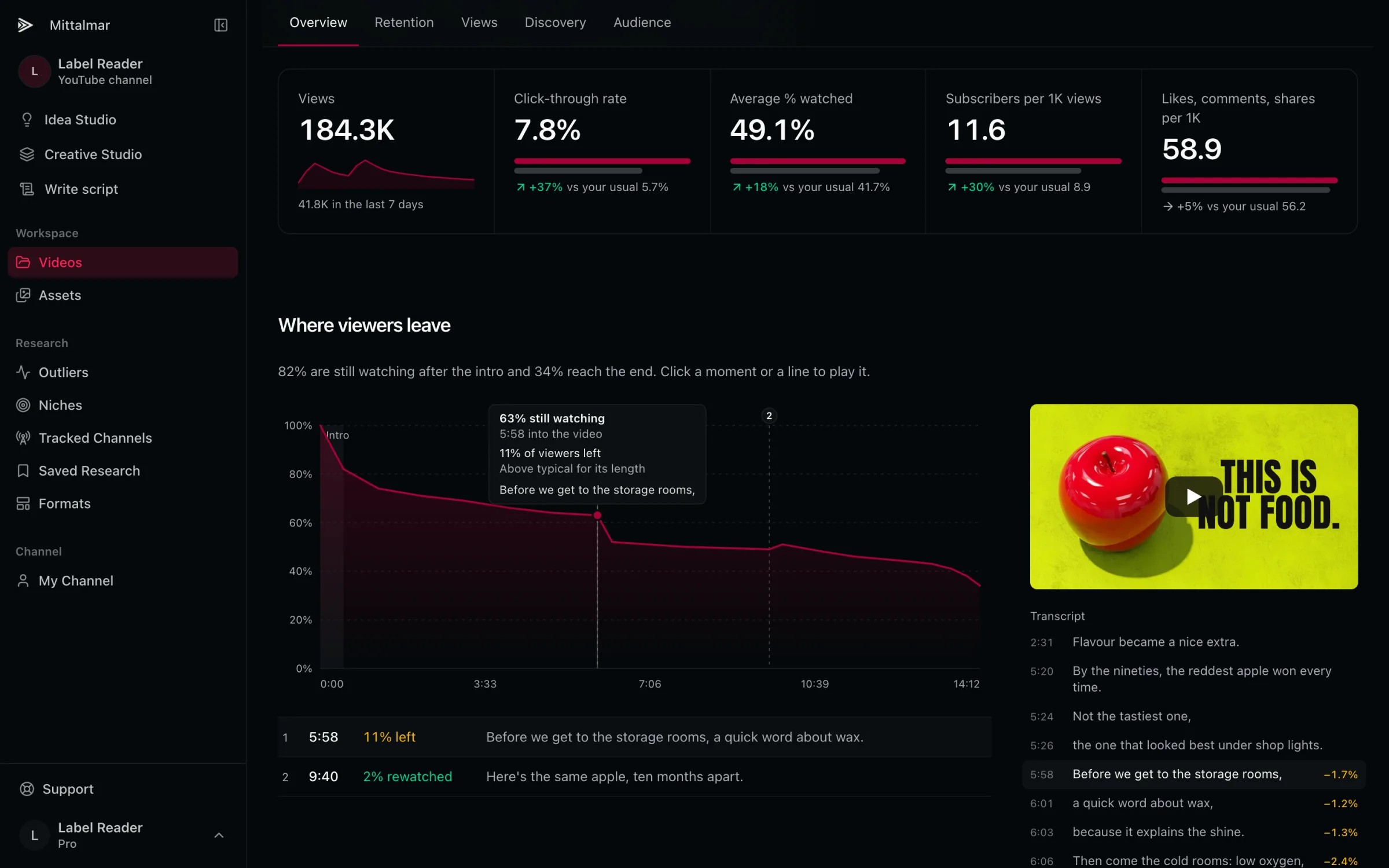
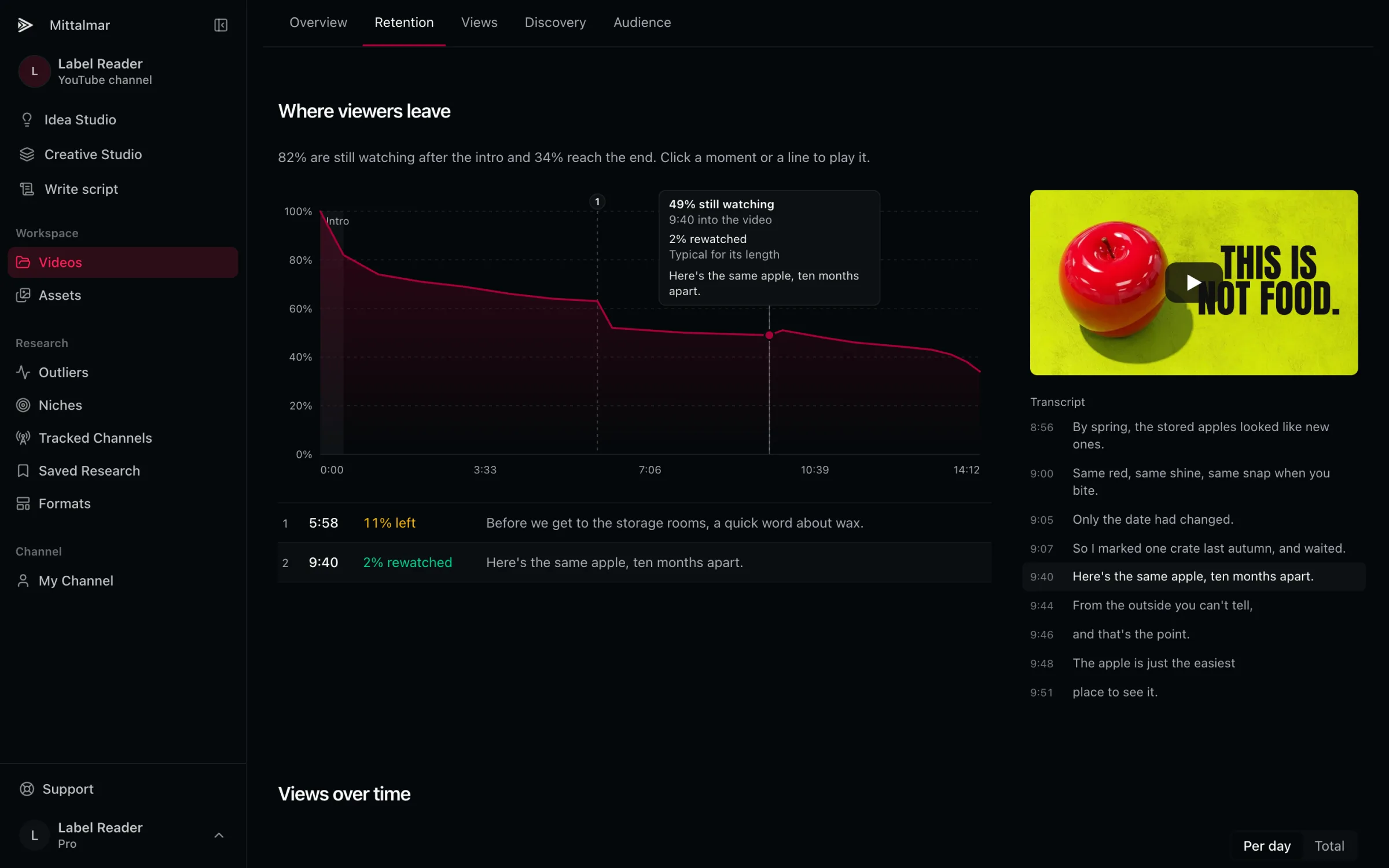
Learn from it. Retention lined up with what you said.Explore
Every stage has its own tool.
Directions for your video, each argued from real videos.
A writing room with your notes and outline beside the draft.
Your own voice, or a stock one, take by take.
Different promises for the same video, strongest first.
Headlines that read at 160 pixels, finished in layers.
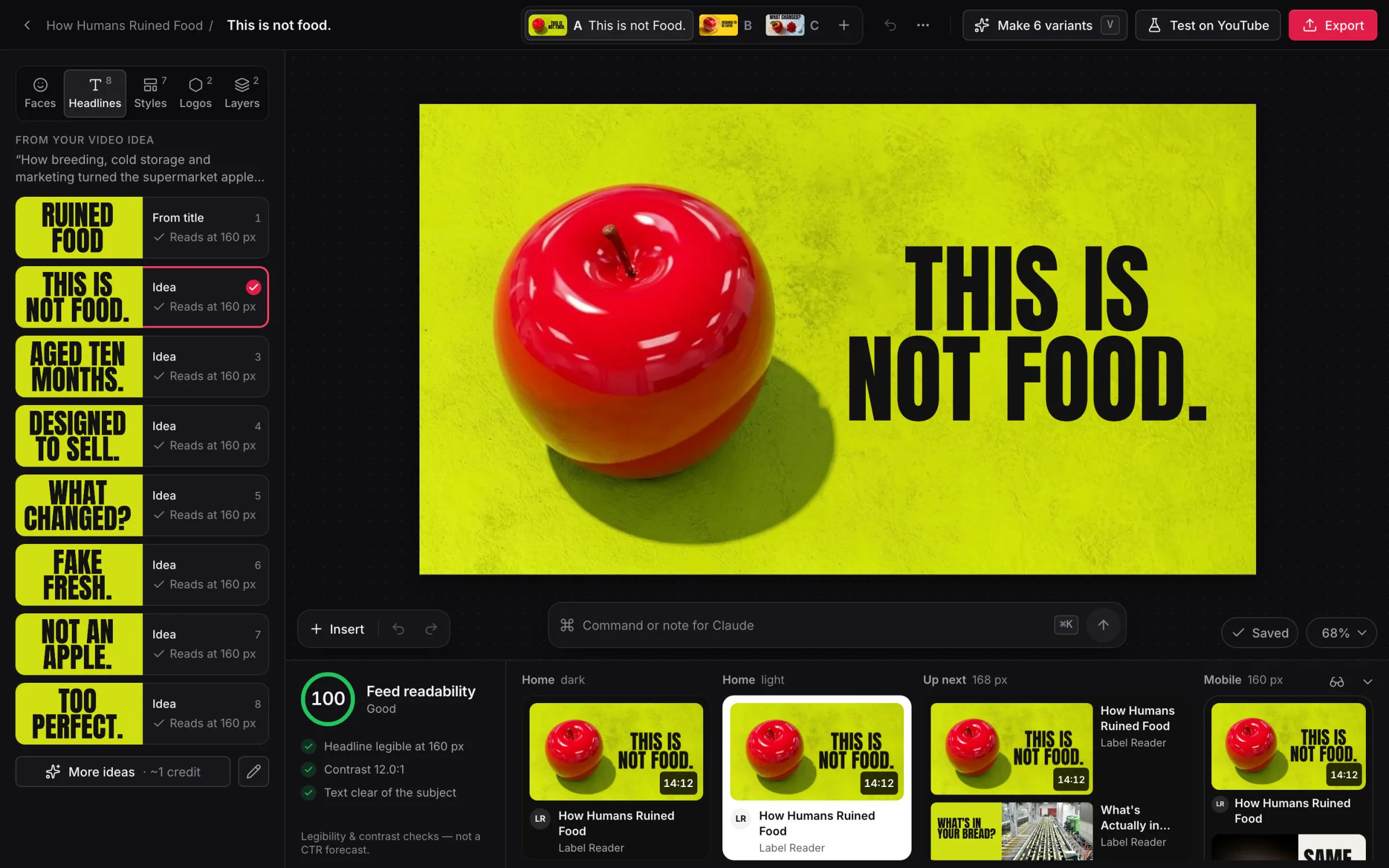
Shots, text and captions on the words you say.
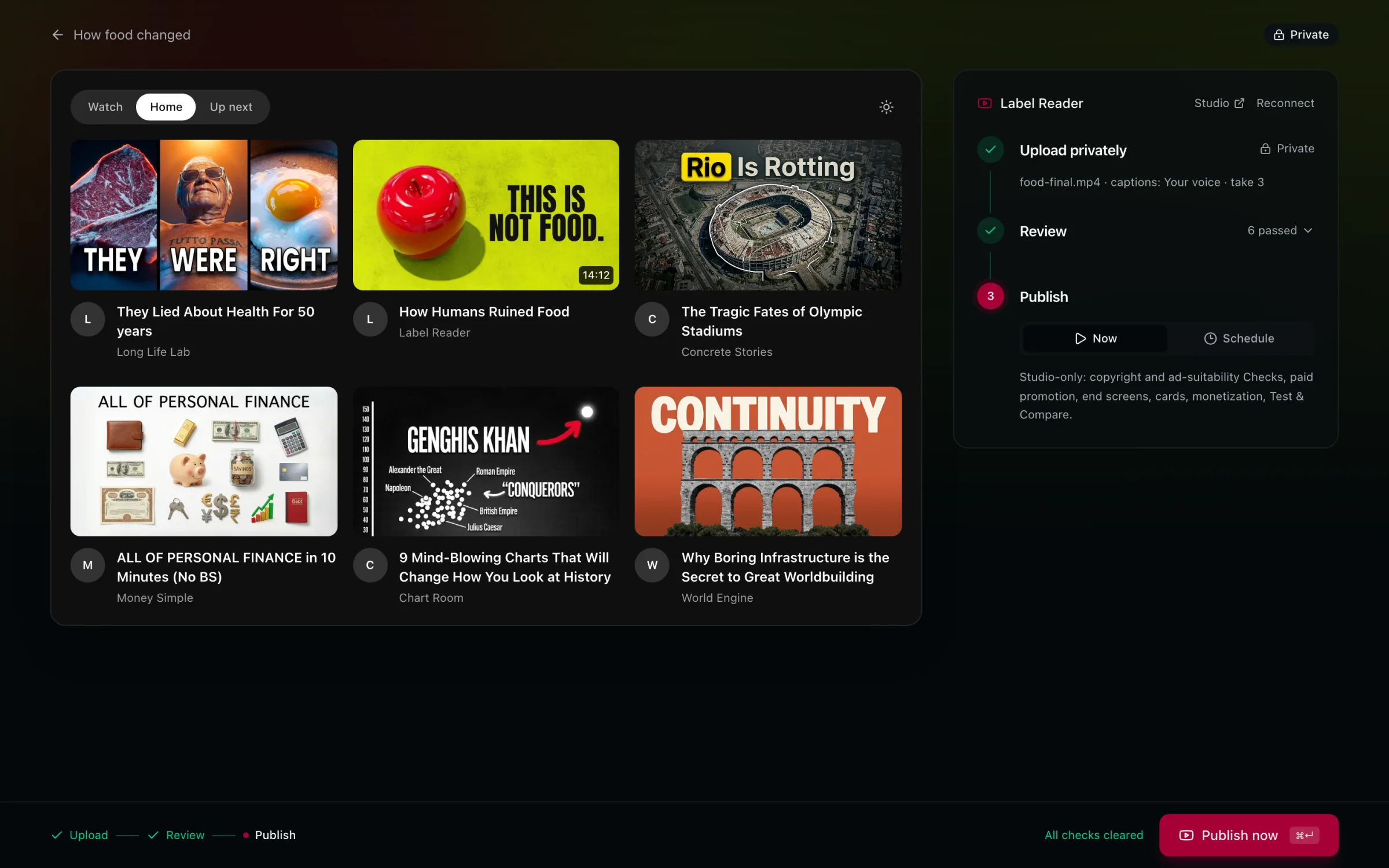
A private upload and a last review. Then your click.
Where viewers left, and what you were saying.
Everything lands in one Project.
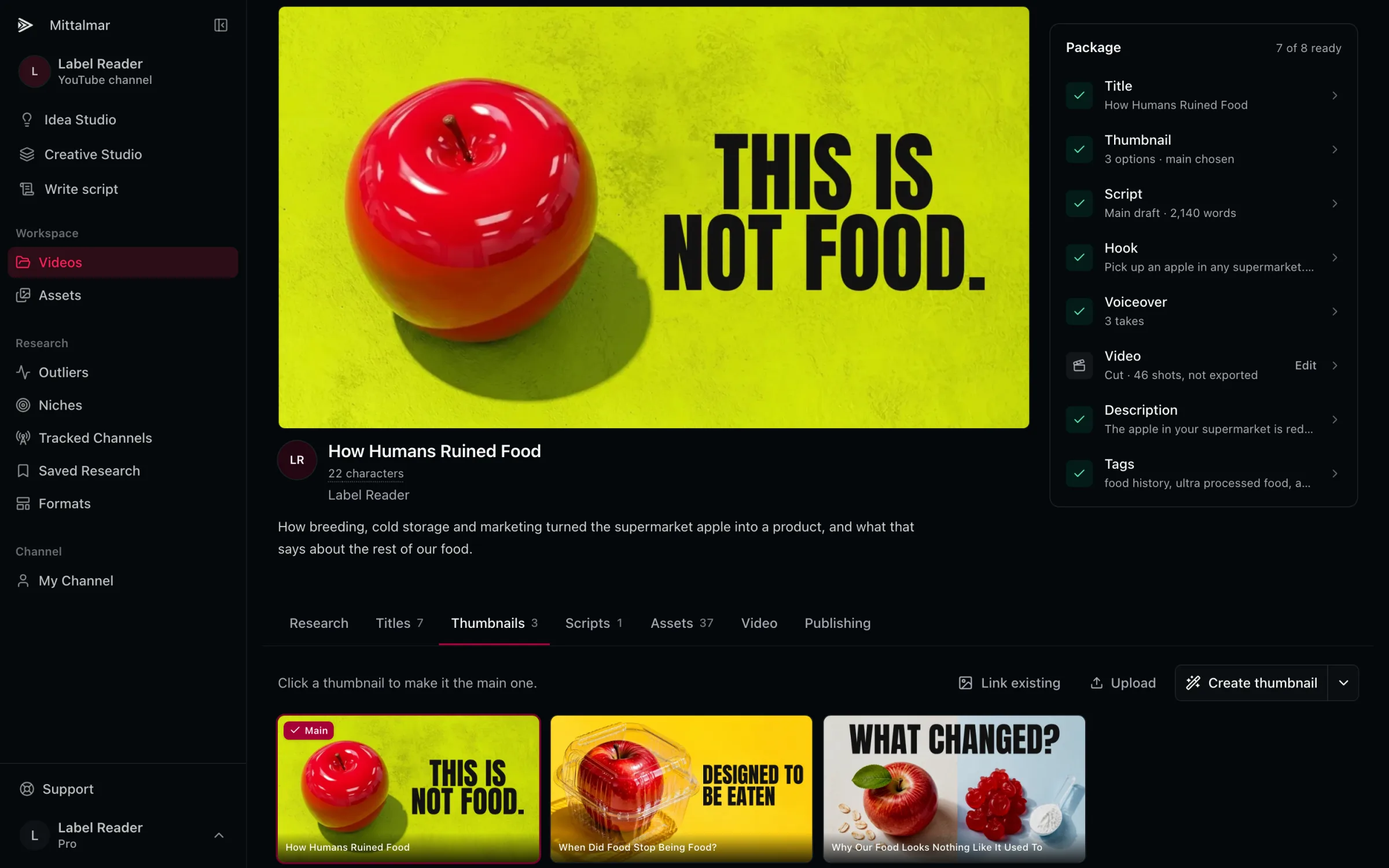
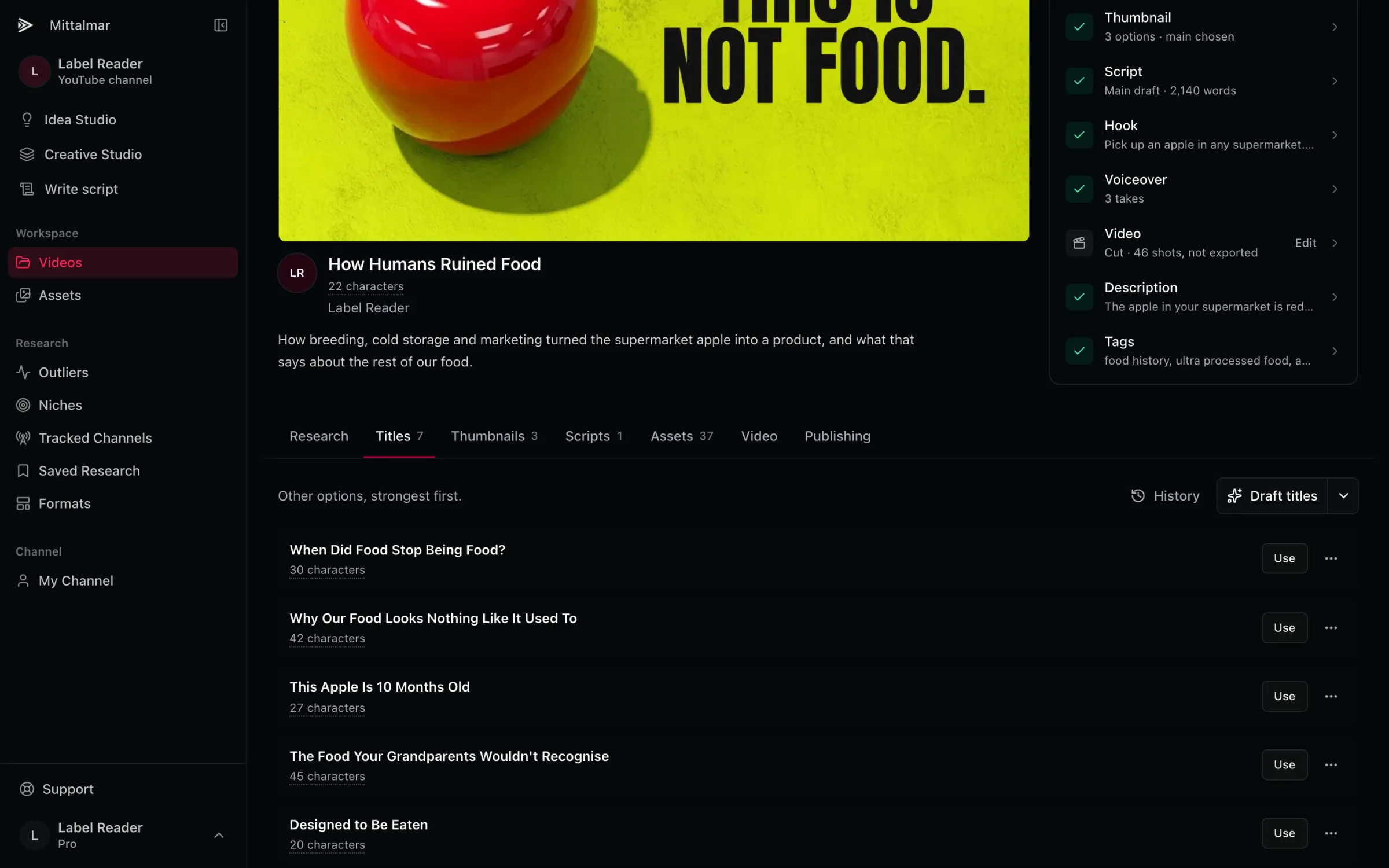
The whole package, checked.
Title, thumbnail, script, hook, voiceover, video, description and tags.
Options side by side.
Three thumbnails. Click one to make it the main one.
Titles, strongest first.
Use one and it becomes the Working title.
Every stage, one tab away.
Research, titles, thumbnails, scripts, assets, video and publishing.
What else can Mittalmar do?
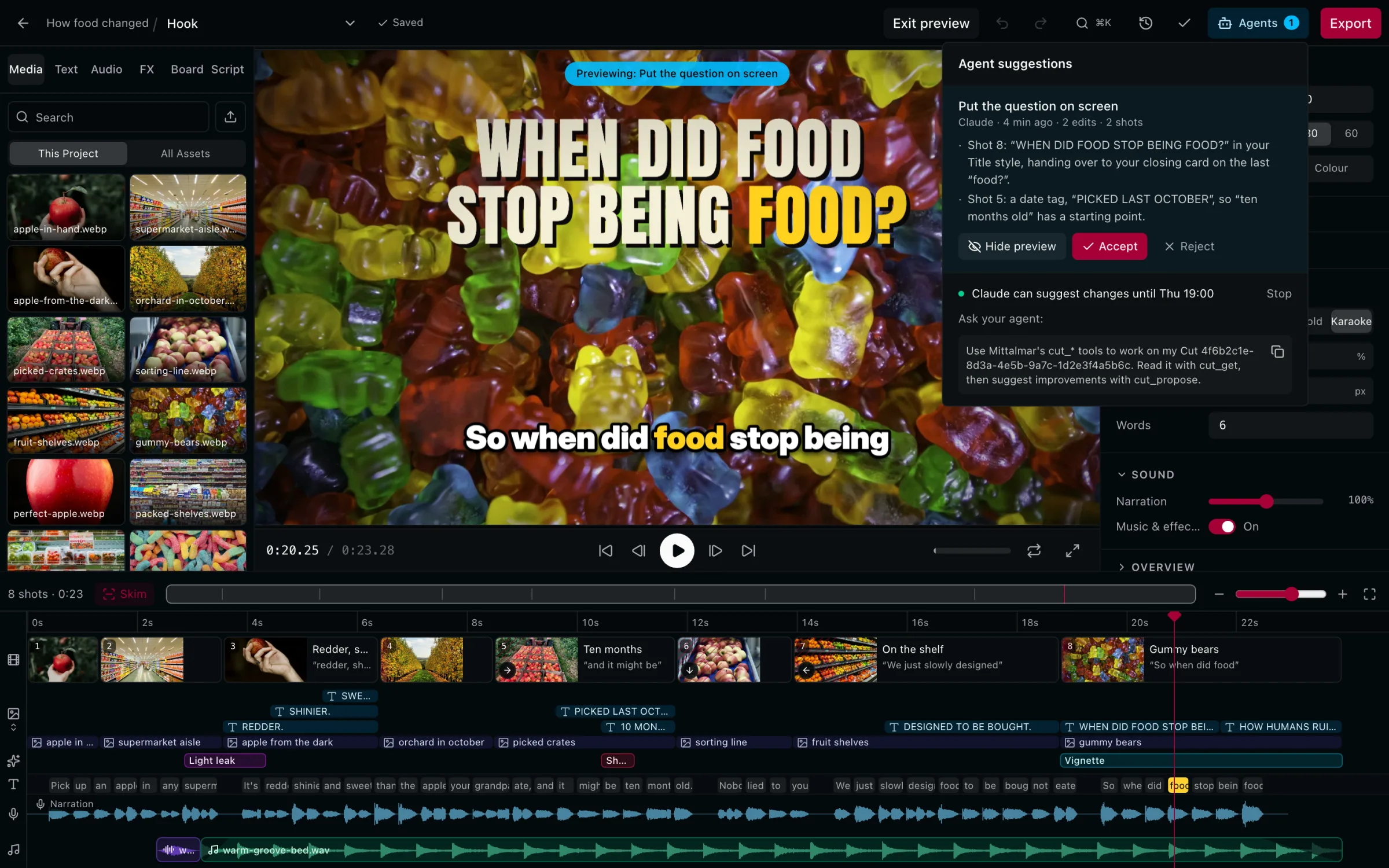
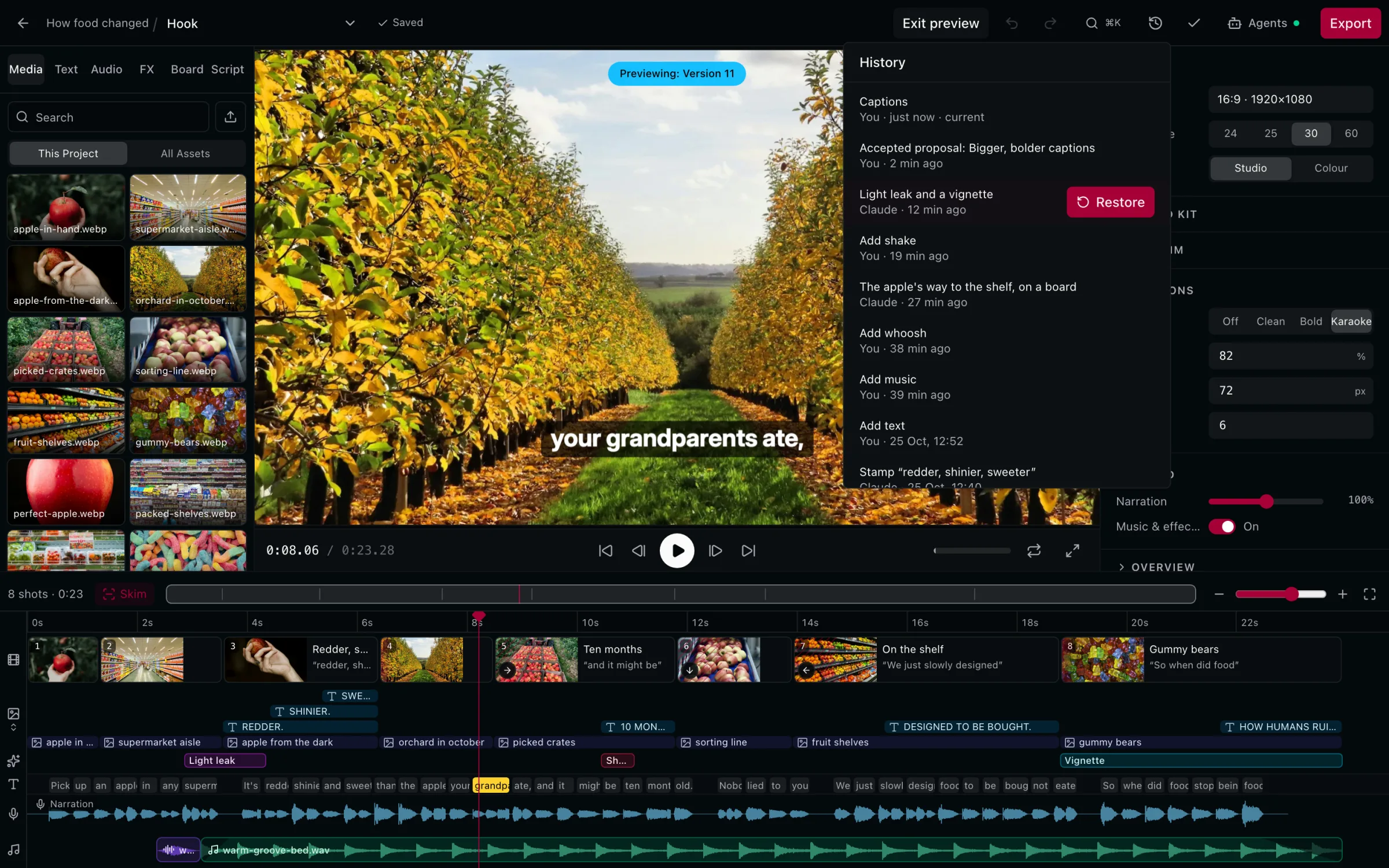
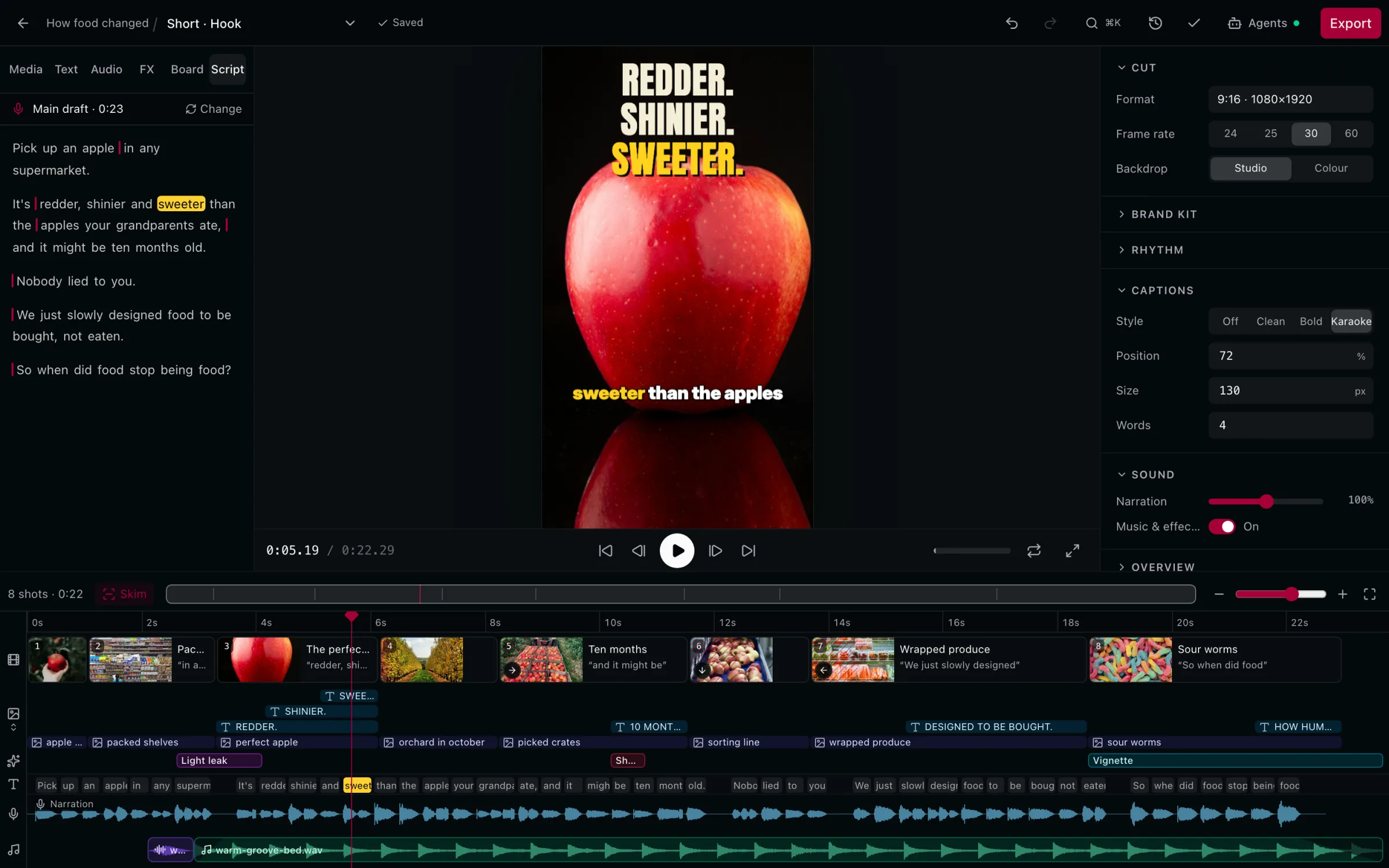
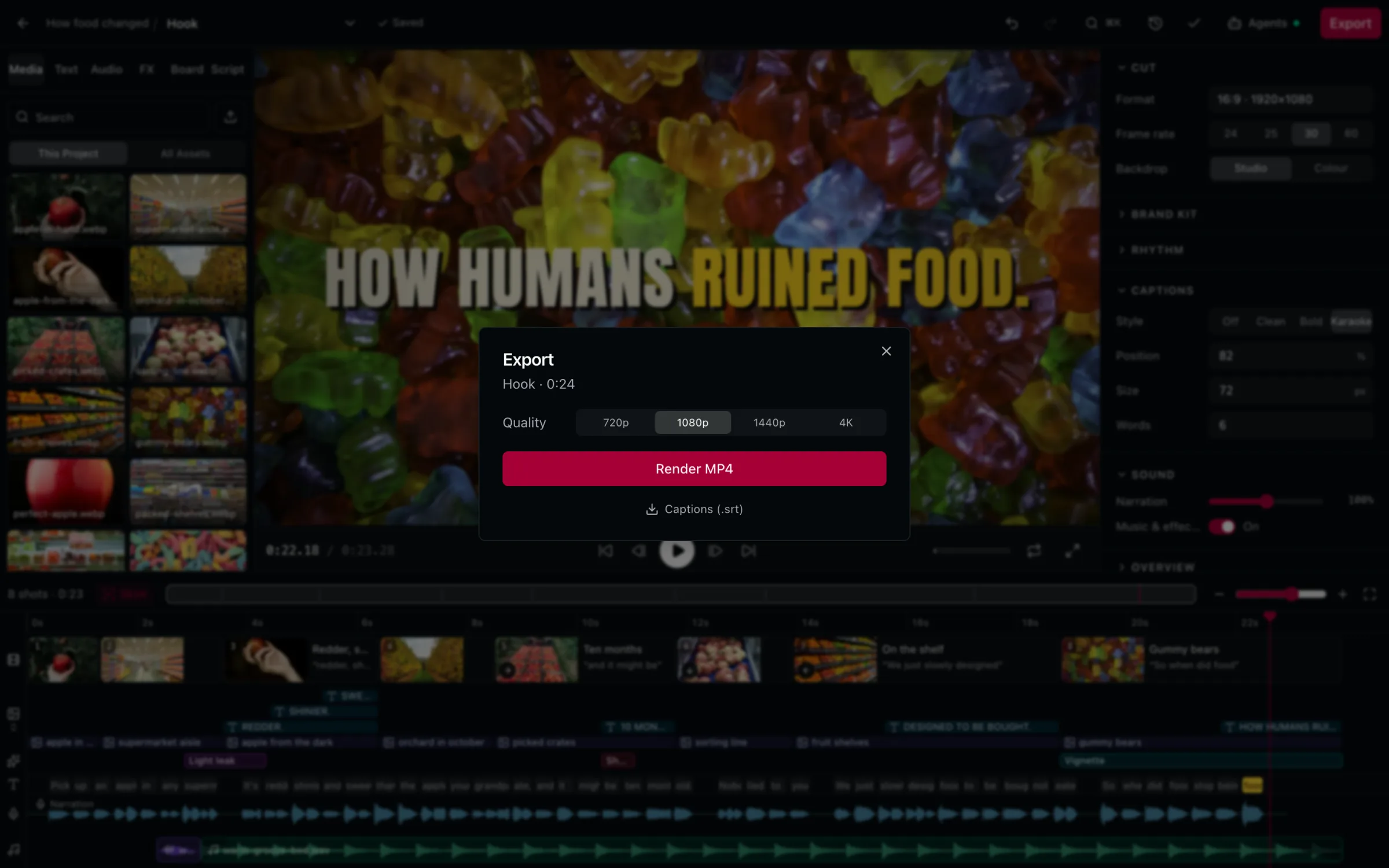
Or let your AI client do it.
Mittalmar in your AI clientResearch a video about how supermarket food changed and save the strongest angle to my Project.
- Discover research datasets
- Research a video topic
- Use a researched angle
Saved “One apple, the whole story” as the Project's direction. 16 sources support it and 4 argue against it.
Make a thumbnail for How Humans Ruined Food: the glossy apple with THIS IS NOT FOOD. on acid green. Check it reads at feed size.
- Create thumbnail composition
- Check thumbnail composition
- Render thumbnail composition
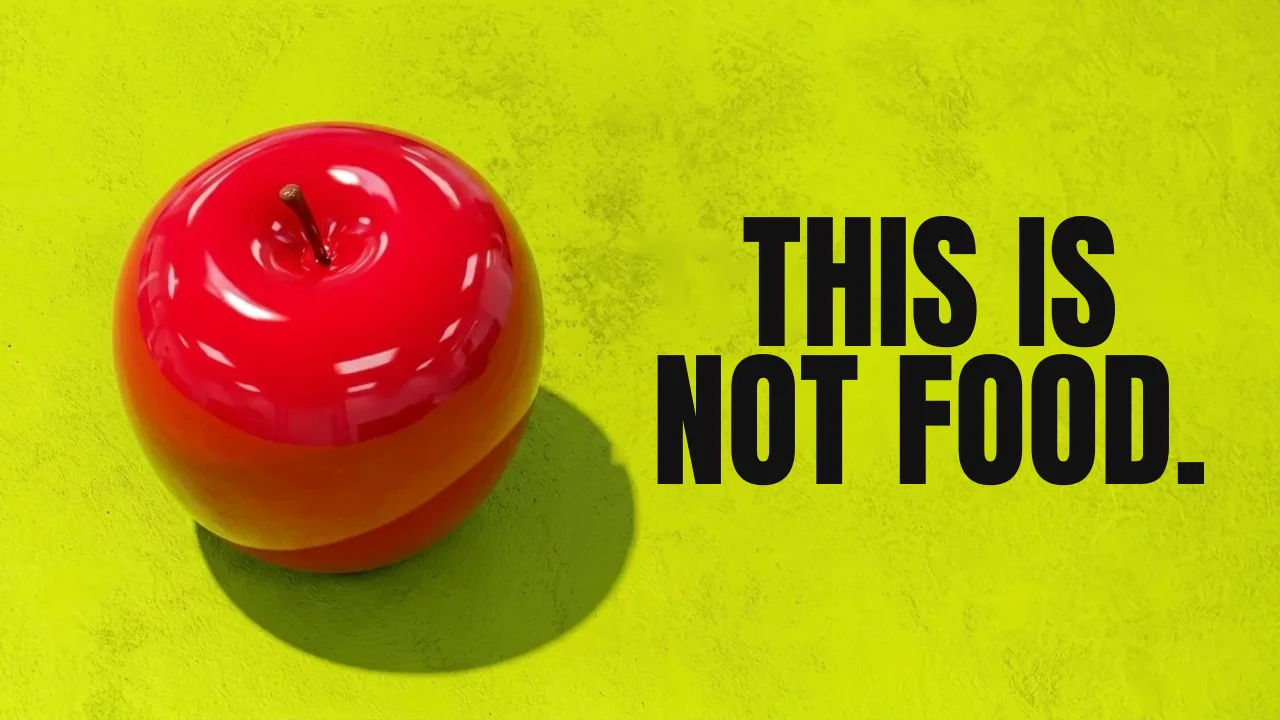
It's in your Project as layers you can keep editing. The headline reads at feed size: feed readability 100, contrast 12.0:1.
›Cut a video from my narration and the Project's clips. Karaoke captions, and music under my voice.
- CallingCalled mittalmar.cut_create({…})
- CallingCalled mittalmar.cut_patch({…})
- CallingCalled mittalmar.cut_render_frames({…})└ 4 images
8 shots on the narration's 46 words, 0:23. The captions follow your voice and the music ducks while you speak. Export it in 1080p?
›Yes, export it.
- CallingCalled mittalmar.cut_export({…})
Exported in 1080p and saved to your Project as Hook: 0:23, at the -14 LUFS YouTube plays at.
Upload it to YouTube with that title and thumbnail. Keep it private and run the pre-publish review.
Ready to upload How Humans Ruined Food privately to Label Reader, with thumbnail A and captions from your narration. Go ahead?
Go ahead.
- Upload Project privately to YouTube
- Run pre-publish review
It's on YouTube as a private video. The review passed 5 checks and flagged a claim at 7:12 that needs a source. Open it in YouTube Studio. Publishing stays with you.